
 By
By
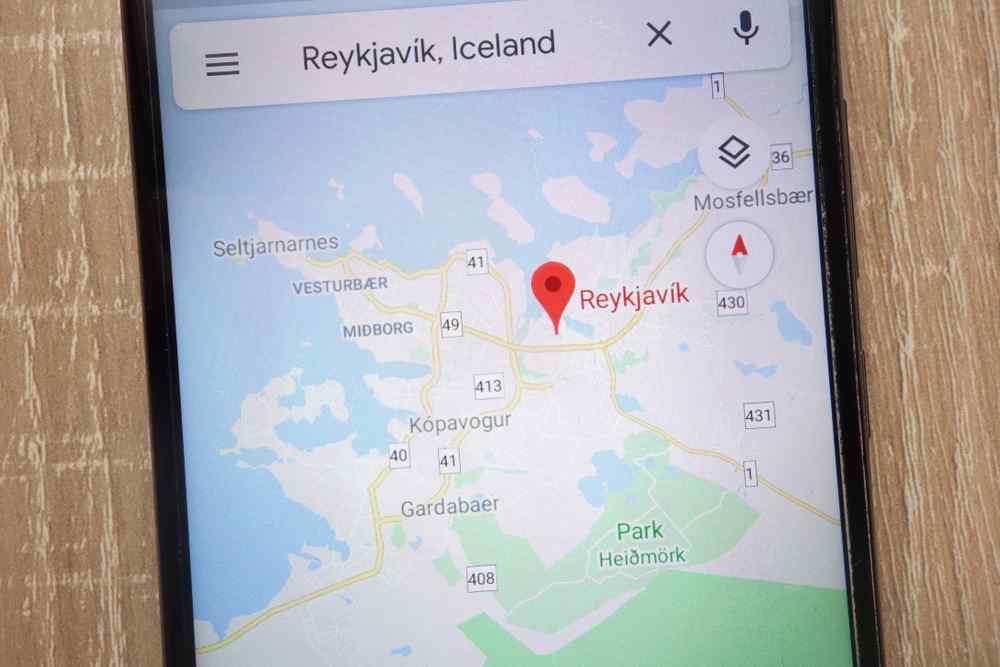
Does Google Maps work in Iceland? Yes. It works well on the roads most campervan drivers actually use, and turn-by-turn routing is reliable along the coast. That is the short answer. The longer answer is why this guide exists.
Google Maps is a routing tool. It tells you where to turn. It does not tell you the wind is gusting near Vík, or that a mountain road closed an hour ago. Campervans and motorhomes are taller, heavier, and far more sensitive to crosswinds than the small cars most navigation advice assumes. Your campervan rental already has GPS built in. This guide covers everything the GPS leaves out.
In the next sections, we cover offline maps for when the signal drops, Umferdin.is for official road conditions, mobile data options at the airport, saving GPS coordinates for places without addresses, and a few driving habits specific to large vehicles.
Does Google Maps Work in Iceland?
So, does Google Maps work in Iceland for a standard Ring Road trip? Usually, yes. On Route 1, the South Coast, the Golden Circle, and in and around towns, the app is accurate and dependable. It finds campsites. It finds fuel. It routes you to the supermarket and gets the turn timing right.
Iceland's Google map coverage is strong on these major routes because that is where most people, and most mobile antennas, are. If your plan is the classic Ring Road loop, the app handles the bulk of your daily driving without complaint.
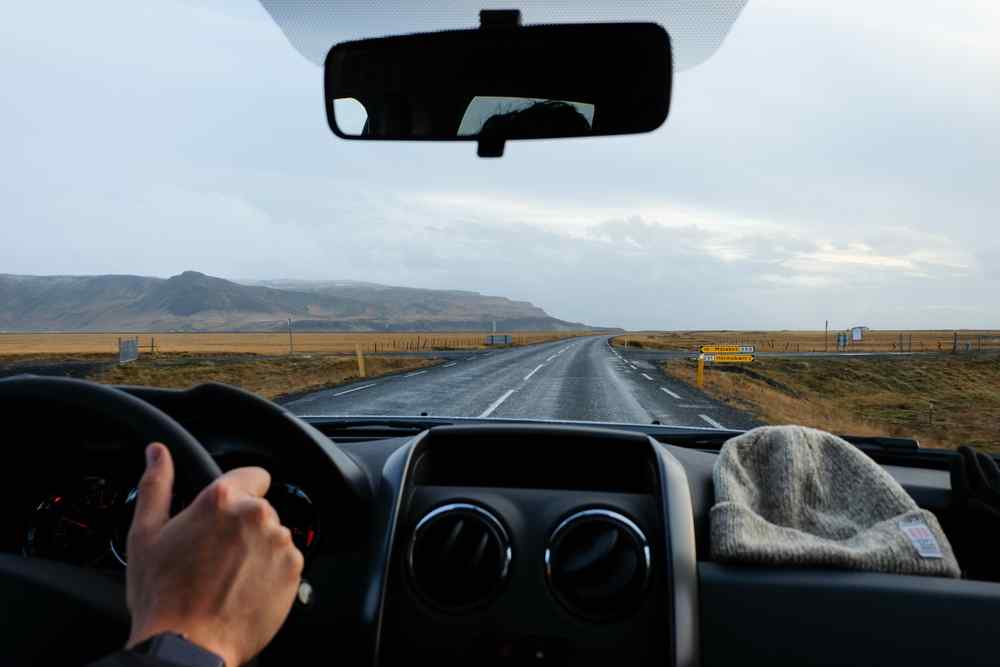
Here is the limit, and it matters. Google Maps is built to answer one question. How do I get from A to B? It is not built to tell you whether the road between A and B is safe today. It does not know about black ice on a pass, a gravel section washed out by meltwater, or a closure posted by the road authority that morning.
Tourists get this wrong constantly. They trust the blue line and assume a route that exists on the map is a route that is open and sensible right now. Often it is. Sometimes it is not. For that, you need official Icelandic road-condition information, which we get to further down.
Coverage Gaps: Where You'll Lose Signal
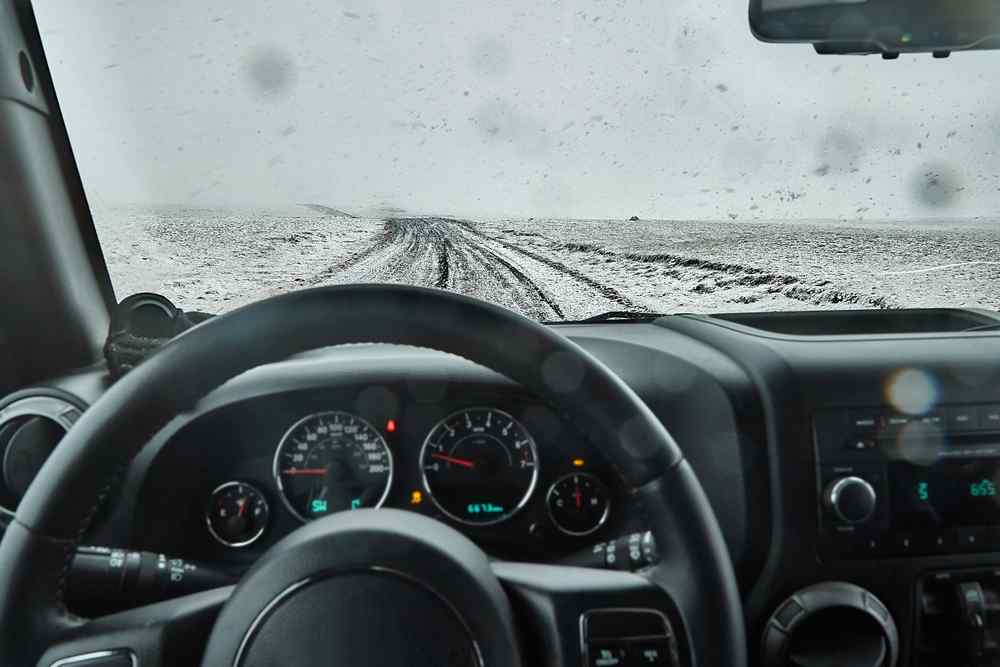
Coverage along the populated coastline is generally very good. The problems start when you leave it. The Highlands are the obvious gap. Landmannalaugar, Askja, and the Sprengisandur route run through the interior, far from masts and far from help.
Signal there is patchy at best and often gone entirely. The remote Westfjords and the mountain roads of the Eastfjords are the next weak spots. Network coverage has historically lagged in the Westfjords and parts of the east and northeast, so these are the regions where your bars vanish without warning.
Long valleys and empty stretches between settlements drop you too. Full signal in a village, none twenty minutes later.
When the signal goes, you lose the live half of Google Maps. You won’t see live traffic or automatic rerouting around a problem ahead. No real-time updates. The map you see is only as fresh as your last connection. Treating a google map in Iceland as your sole backup is how people end up stuck with no plan. The fix is downloading maps before you need them.
How to Download Offline Maps (Step by Step)
This is the one section with full download instructions. Do it before you leave Keflavík Airport, while you still have free airport Wi-Fi.
For Google Maps:
- Open Google Maps.
- Tap your profile icon, top right.
- Select Offline maps.
- Choose Select your own map.
- Drag and zoom to cover the part of Iceland you are driving.
- Tap Download.
One catch worth knowing. Offline driving in Google Maps only works if your entire route sits inside the downloaded area, and offline mode drops live traffic and alternate routing. Iceland does not fit neatly into one tidy square. Download it in overlapping blocks rather than one giant rectangle, so the route from your campsite to tomorrow's stop is fully inside saved territory.
While you are connected, save the practical stuff too. Pin your campsites. Pin the supermarkets you plan to use. Pin fuel stations, and check our gas stations map so you know where the next reliable pump is before the tank gets low. For most paved-route driving, Google Maps in Iceland is practical once you have downloaded the right areas first.
Maps.me is worth installing as a second offline app. It stores its own maps for the whole country and is stronger than Google for hiking trails and remote viewpoints that Google sometimes misses. It takes two minutes to download Iceland inside it. The one day you lose signal at a trailhead, and it has the path Google does not, you will be glad it is there.
Best Navigation Apps for Iceland
At Camper Rental Iceland, we rarely rely on a single navigation app. Each one does a different job, and the trick is knowing which to open and when. No tutorials here. Just roles.
Google Maps
This is your main road-routing tool and the one you will use most days. It handles daily driving, saved stops, fuel, campsites, restaurants, and standard turn-by-turn. On Iceland's main roads, nothing beats it for ease. The offline download step is covered in the section above, so set it up once and move on.
Maps.me
This is your offline backup, and it earns its place on hiking days. It runs fully offline, navigates without signal, and its trail and footpath data is often more detailed than Google's in remote spots. Campervan trips follow a pattern: drive, park, hike, return to the van. Maps.me covers the middle two better than anything else. Keep it for trailheads, remote viewpoints, and any walk that leaves the road behind.
Waze
Waze is a supplement, not a safety authority. It is useful for crowd-reported alerts, speed cameras, and hazards flagged by other drivers, where enough local users exist to feed it data. That last part matters in Iceland. Waze's camera alerts depend on partner and editor data, and coverage varies by country, so the alerts thin out fast once you leave busier roads.

Be clear about the hierarchy. Waze tells you what other drivers have spotted. It does not tell you what the road authority has officially closed or graded as dangerous. For that, there is one tool that outranks every app on this list, and most tourists have never heard of it.
Umferdin.is: The Most Important Tool You Don't Know About
This is the tool locals actually check, and it is the single most important thing in this guide. Road.is now redirects to Umferdin.is/en, the official traffic service run by the Icelandic Road and Coastal Administration. It pulls road-condition reports from road staff and contractors, plus data from weather stations across the national network. Closures, weather impacts, surface conditions, and wind information are posted here officially, not crowd-guessed.
Build a five-minute routine before any long drive:
- Open Umferdin.is and check your route's road conditions.
- Check the weather forecast for wind and precipitation.
- Confirm your planned route is open end to end.
- Check the webcams along it to see the road with your own eyes.
- Then leave.
Learn the condition labels rather than glancing at colours. The official scale escalates from easily passable, through spots of ice, slippery, and difficult driving, to impassable or closed. Tourists routinely underestimate what ‘slippery’ or ‘spots of ice’ means on an exposed Icelandic road in a tall vehicle. Read the word, not just the shade.
Iceland's Google Maps data is fine for planning the drive, but official closures only come from here. For the full picture on grades, gravel, and seasonal access, pair with Umferdin.is with our driving conditions guide.
One feature most articles skip is the Vegasjá map. Its English interface has layers you can toggle for webcams, wind-gust bands, road surface type, rest areas, and coordinates. The wind layer alone is worth the effort for anyone driving a campervan, because gusts decide your day more than distance does.
Mobile Data: SIM Cards and Roaming
If you are visiting from the EU or EEA, roaming rules usually let you use your home plan in Iceland at no extra cost, so check your tariff before buying anything. For everyone else, local data is cheap and easy.
You have three routes. An eSIM, which you can activate before you fly or on arrival if your phone supports it. A physical SIM, sold at ELKO inside Keflavík Airport. Or roaming, if your home plan is generous enough.
Nova and Síminn are our two main networks. Síminn sells starter packs in English, including a 10 GB option and an unlimited 14-day pack, and covers most of the country. Nova lets you set up an eSIM ahead of arrival.
One current warning. Iceland has been phasing out older 2G and 3G networks. If you are carrying an old handset, confirm it still works on local networks, including for reaching 112, before you rely on it.
GPS Coordinates for Off-the-Grid Attractions
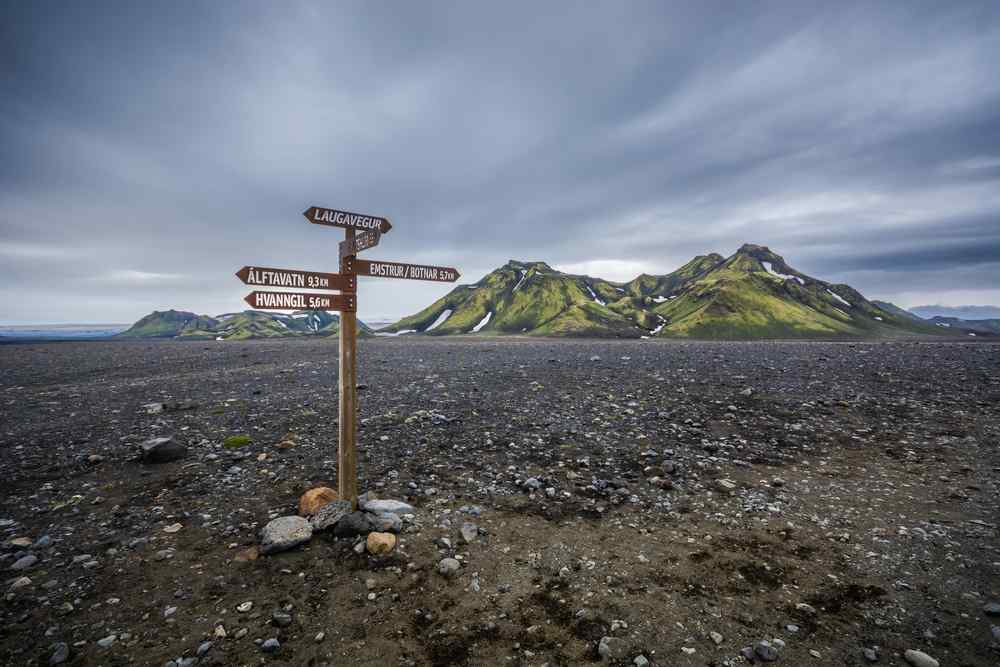
Iceland has an addressing problem for tourists. Plenty of the best stops have no street address, no building nearby, and no obvious name that a search box recognises. A hot spring in a field. A trailhead at the end of a track. A viewpoint that is just a pull-in on a gravel road.
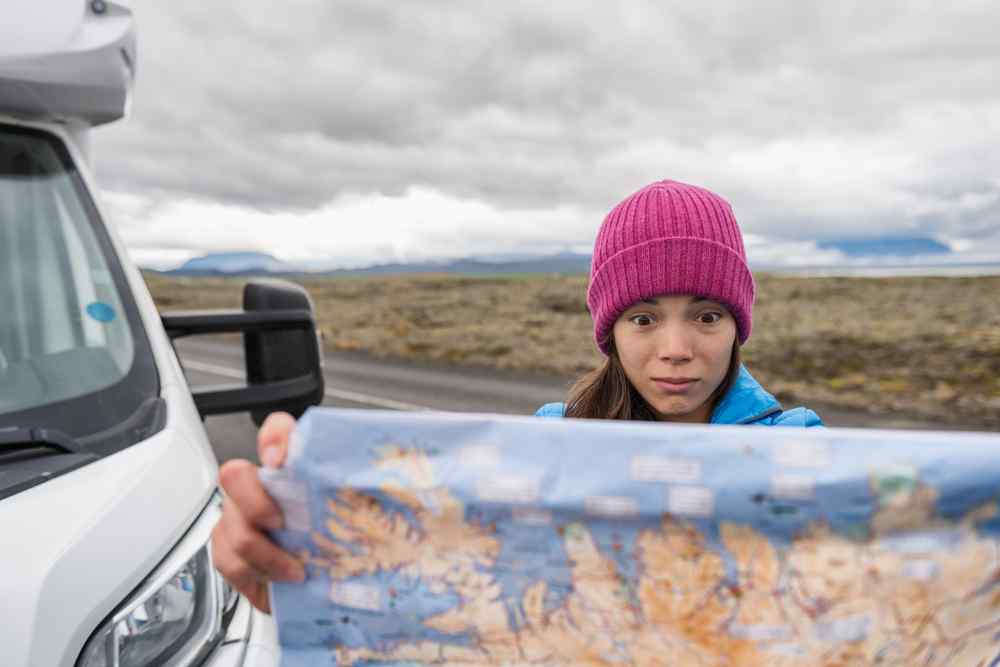
Coordinates solve it. Google Maps accepts coordinates typed straight into the search bar, and you can drop a pin on any spot and save it. Do this while you have signal. Save coordinates for trailheads, remote hot springs, and researched viewpoints, then navigate to the saved pin later, even after signal drops. It is the difference between finding the place and driving past it twice.
Navigation Tips for Campervan Drivers
This part is about the vehicle, not the apps. Wind is the one that catches people out. Campervans and motorhomes act like sails, and Icelandic gusts can shove a high-sided van across a lane or rip a door out of your hand. When the forecast shows strong wind, slow down or change the plan.
On gravel, drop your speed before the surface changes, not after. Loose stones and a heavy van do not mix at pace. Single-lane bridges are common, carry a 50 km/h limit, and right of way goes to whoever is closer. Do not race for it.
Plan fuel generously. Stretches between stations are long, so refill at half a tank. Learn the road signs for closures and gravel before you set off. And watch for fatigue, especially after an overnight flight. Stop at least every 100 km if you are tired. Our vehicles include GPS, but we still advise checking Umferdin.is before every long drive.
FAQ
Can I use Google Maps in Iceland without data?
Yes, if you download offline maps first. Offline mode handles routing inside your saved area but drops live traffic and automatic rerouting, so download before you leave the airport.
Is Google Maps enough for F-roads?
No. F-roads are rough, sometimes involve unbridged river crossings, and often lose signal. Use offline maps and saved coordinates, and always check road.is for access and conditions first.
What is the best app for road closures in Iceland?
None of the consumer apps. Official closures come from road.is, the road authority's traffic service. Waze and Google show traffic, not government closures, so check road.is directly.
Should I buy a SIM card at KEF Airport?
If you are outside the EU and EEA, yes. Physical SIMs are sold at ELKO inside the airport, or activate an eSIM. EU and EEA visitors can usually roam on their home plan.


